How it Works
Step-by-step, how we turn your child into the hero of the story.
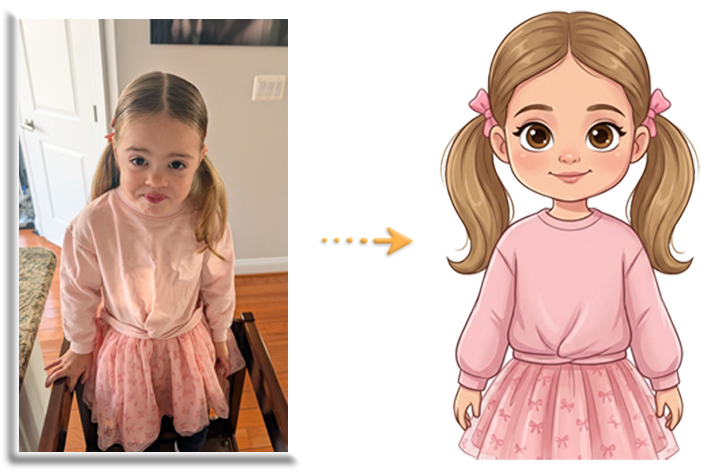
Create your child's character
Upload a photo of your child and we use AI to turn them into a storybook hero. For best results, use a full length photo of your child, with the clothes you want them to be wearing in the book.

We respect and protect you and your child's privacy above all.
We automatically delete uploaded photos once we've created your characters and only use them with your consent. Only you can access the books you create with your characters.
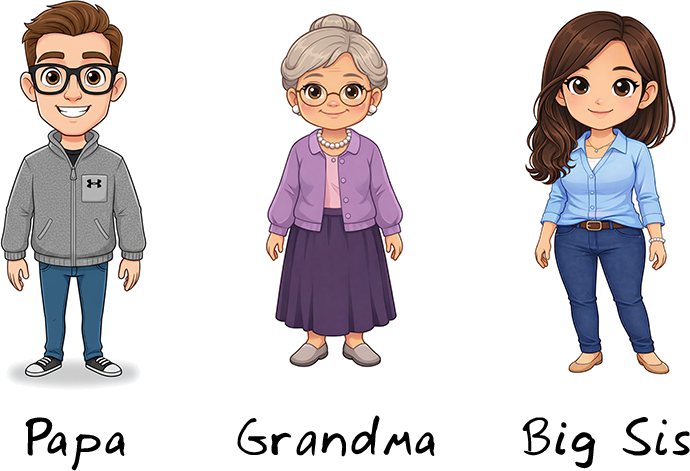
Make a secondary character to accompany your child in their story.
Most stories feature a grown-up that interacts with the child. You can be that grownup by uploading your image and creating a secondary character.
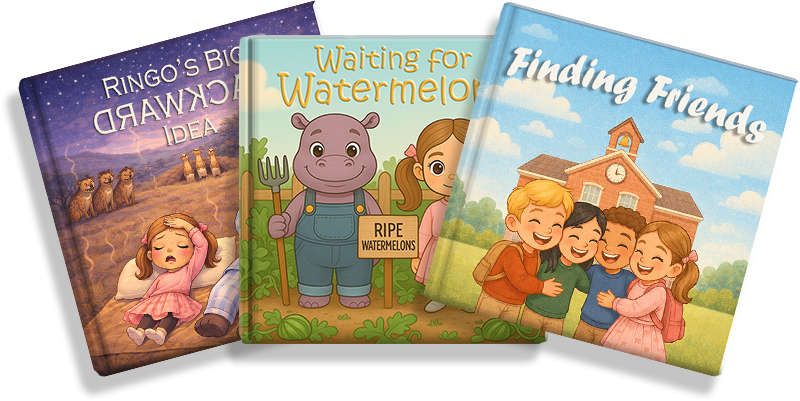
Choose your child's story
Choose from one of our value-based stories. Each story is crafted to teach your child an important lesson, in ways they can understand.
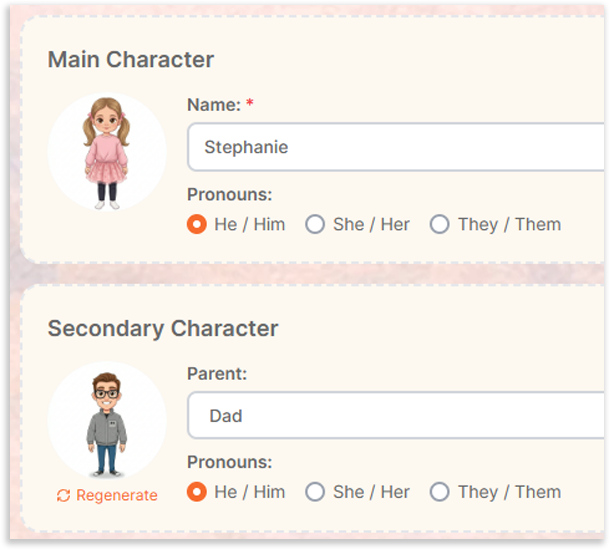
Personalize the story
Personalize your child's story by selecting your characters and choosing their names.
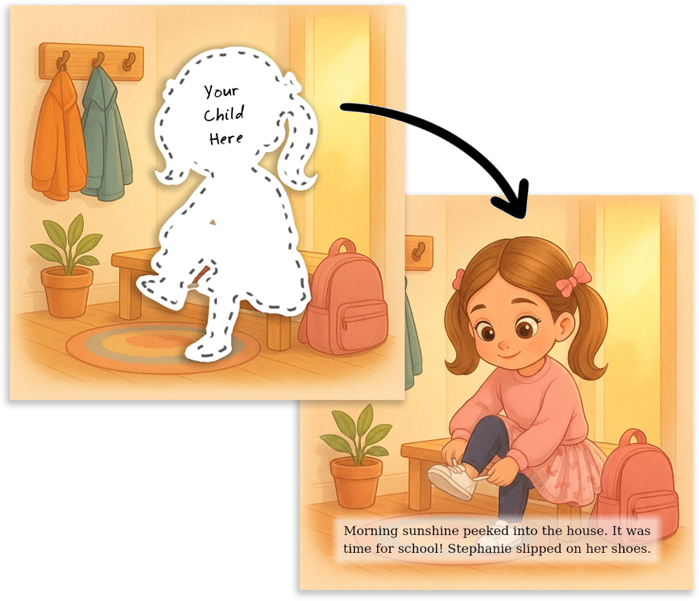
We generate your story
Based on your selection, we create a preview of your child's personalized book, adding you and your child into the story.
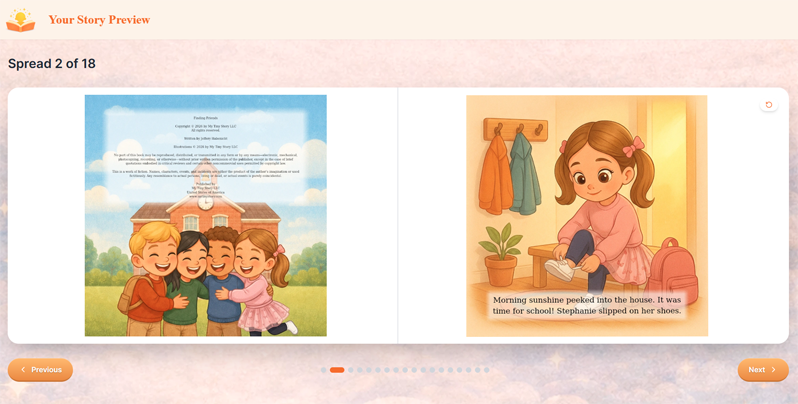
Review your free preview
Review your free preview to see how it looks. This will give you a chance to see what the book looks like with your child in it. Because creating images isn't free, we can't generate the whole book until you've purchased it.
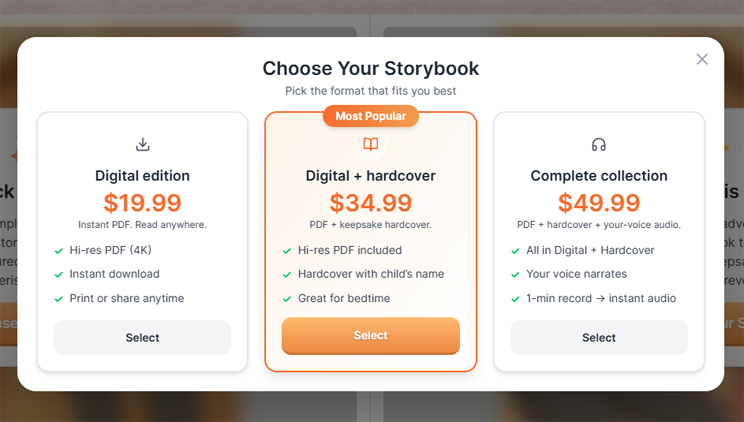
Purchase your book
PDFs are delivered via email and hard copy books will ship directly to your home. After you purchase your book, you'll be able to review and approve it completely, before it prints and ships.
Finalize your book
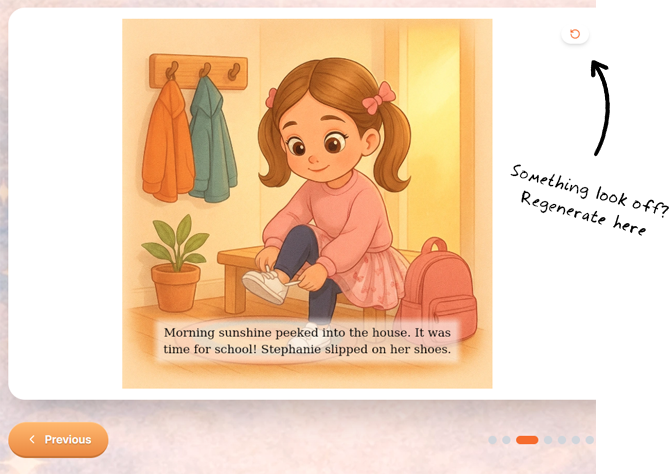
AI isn't perfect, so we give you a chance to review each page of your personalized book before you finalize it. See an issue? Regenerate the page. Once you're done, hit "Finalize."